A shift with Carbyn
Carbyn rides along on a job. You work and talk. It writes the note and sends the work order. Here is one shift, start to finish.
1Start with one button#
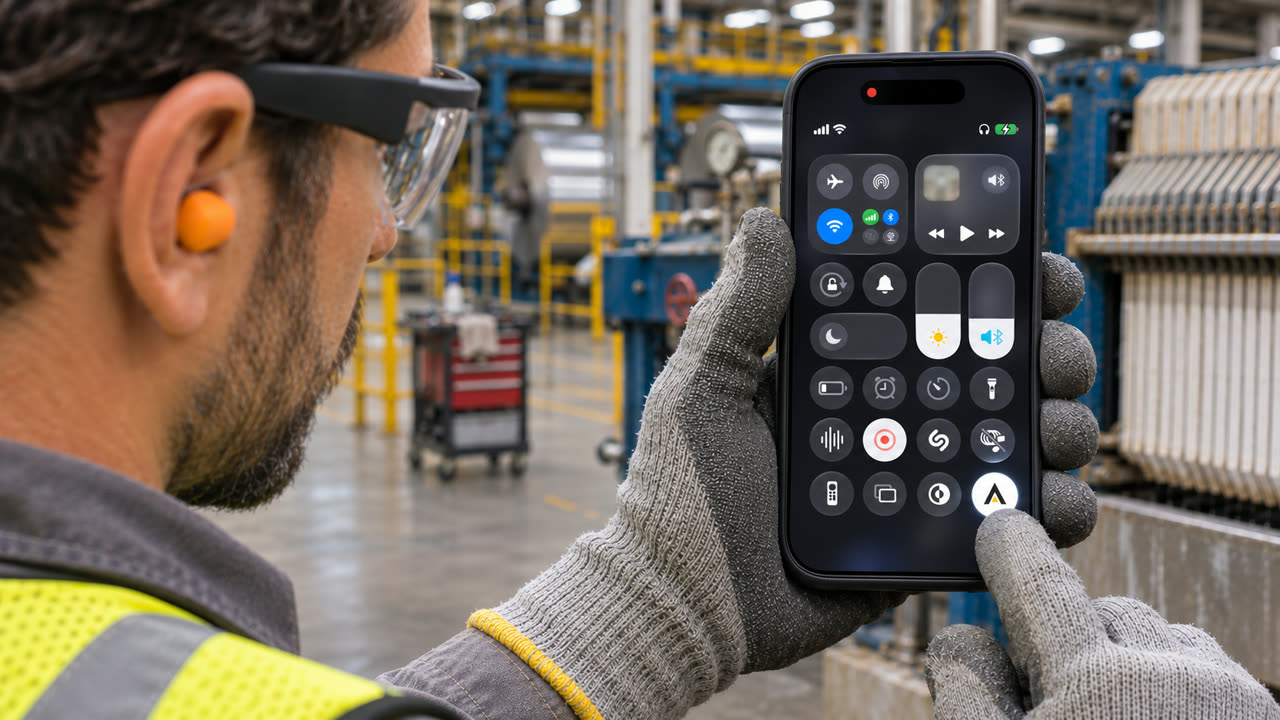
Walking up to the machine for the weekly PM. Gloves on, glasses on.
- You
- Wake the phone, swipe down from the top-right corner and tap the Carbyn button. No unlocking.
- Carbyn
- It starts at once. The lock screen shows Recording until you end it.
2Live while you work#

A leak at the feed pump. You kneel, hands on the seal.
- You
- Say what you see. Press the capture button on your glasses for a photo.
- Carbyn
- Your voice is always on. Each photo lands in the note at the moment you took it.
3Ask when you need to#
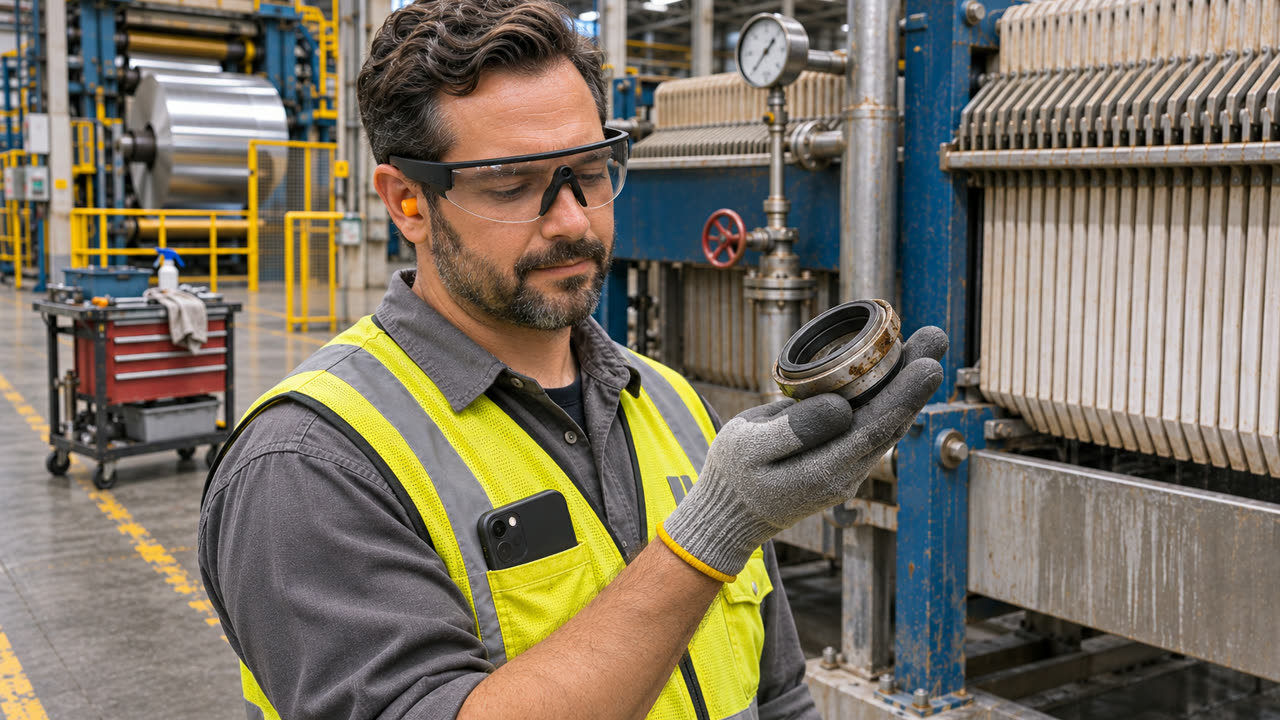
Holding the worn seal. You need the part number.
- You
- Say “Hey Carbyn, what seal is this?”
- Carbyn
- It answers in your glasses from today's work orders and past history. It never speaks first.
4No signal, nothing lost#
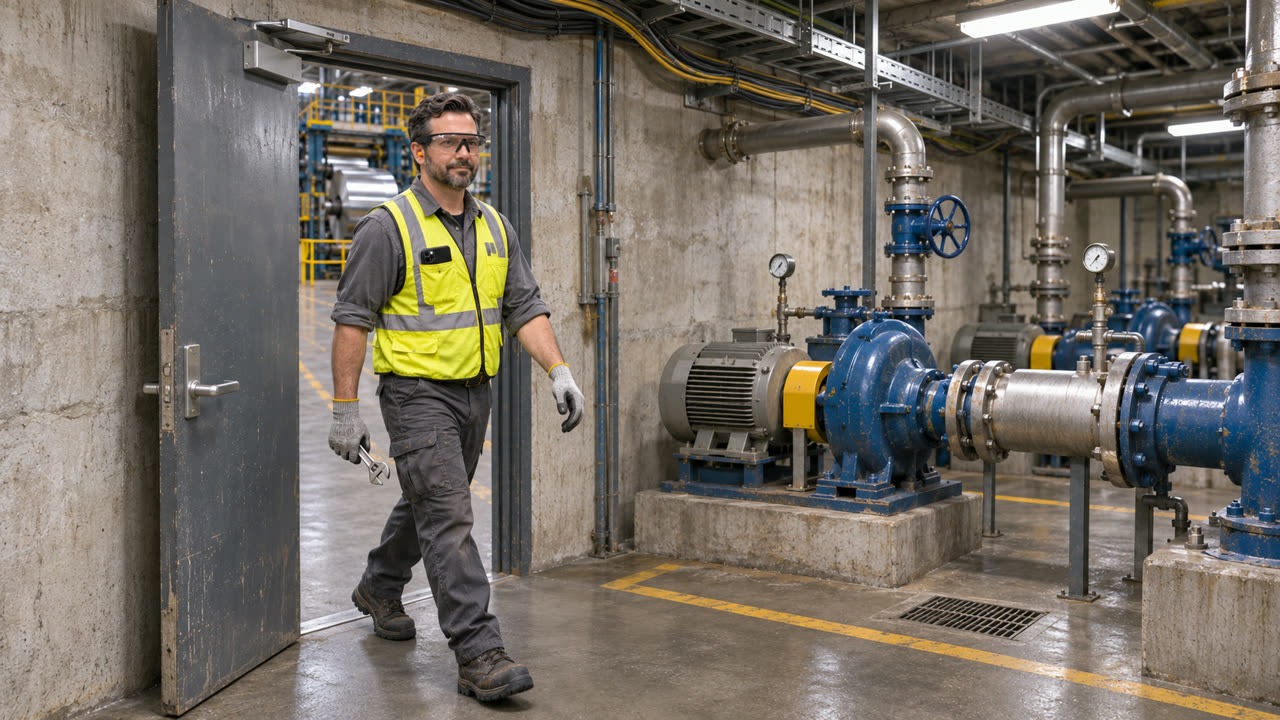
Down into the basement pump room. The signal drops.
- You
- Keep working.
- Carbyn
- Two low tones, once. Recording and photos stay on the phone.
5End from the lock screen#
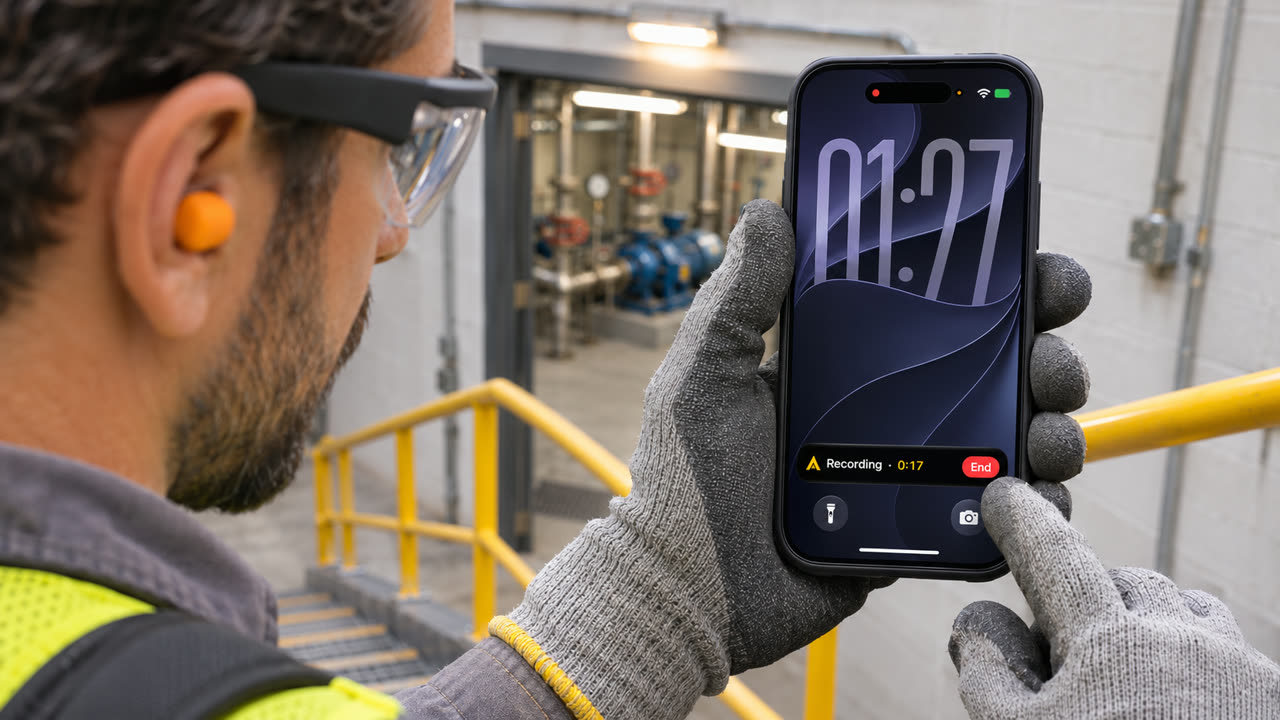
Walking out of the pump room. The job is done.
- You
- Wake the phone and tap End on the lock screen.
- Carbyn
- It stops and saves the note on the phone. The report is written when the signal is back.
6Pick what fits, send it#

End of shift, in the truck. Three drafts are waiting.
- You
- Swipe right to send, left to delete.
- Carbyn
- Work order, part order, PM close. It sends the ready ones to your work order system. One needs you.
Set it up#
Five steps, about 24 minutes.