Step 1 · 5 min
Install Carbyn Mobile with TestFlight
1Open your Carbyn invite#
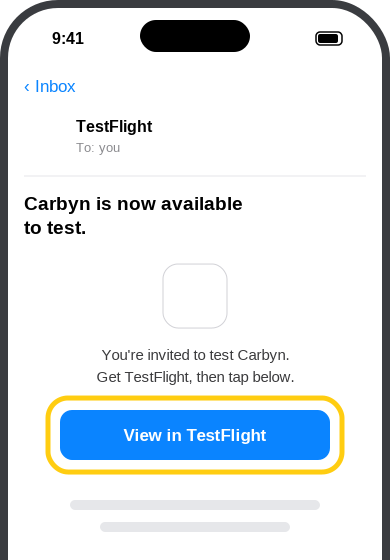
Look for an email from TestFlight.

2Get TestFlight#
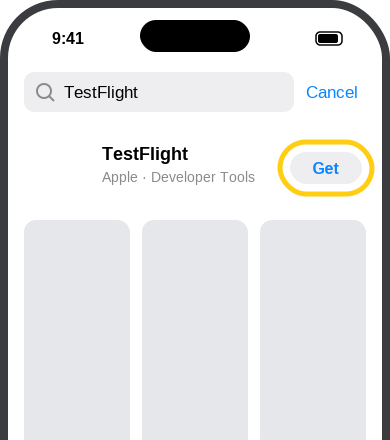
No TestFlight yet? The invite sends you to the App Store. Install it, then tap the invite again.
Already have it? Skip to step 3.
3Accept#
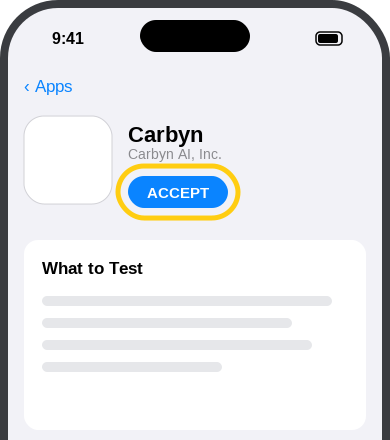
Installed Carbyn before? You will see Update or Open instead.
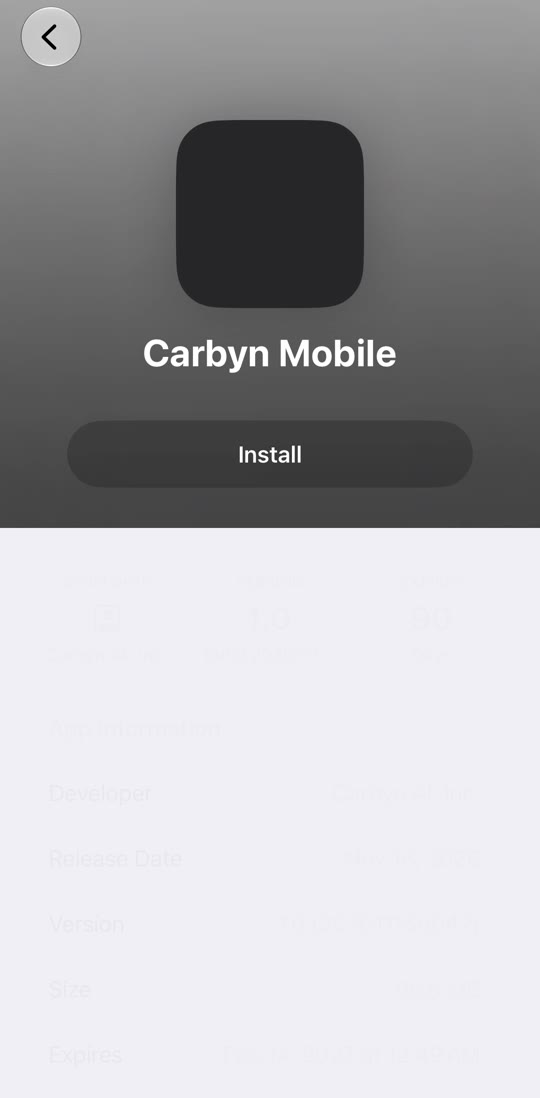
4Install#
In TestFlight, tap Carbyn Mobile, then Install.
5Open Carbyn#
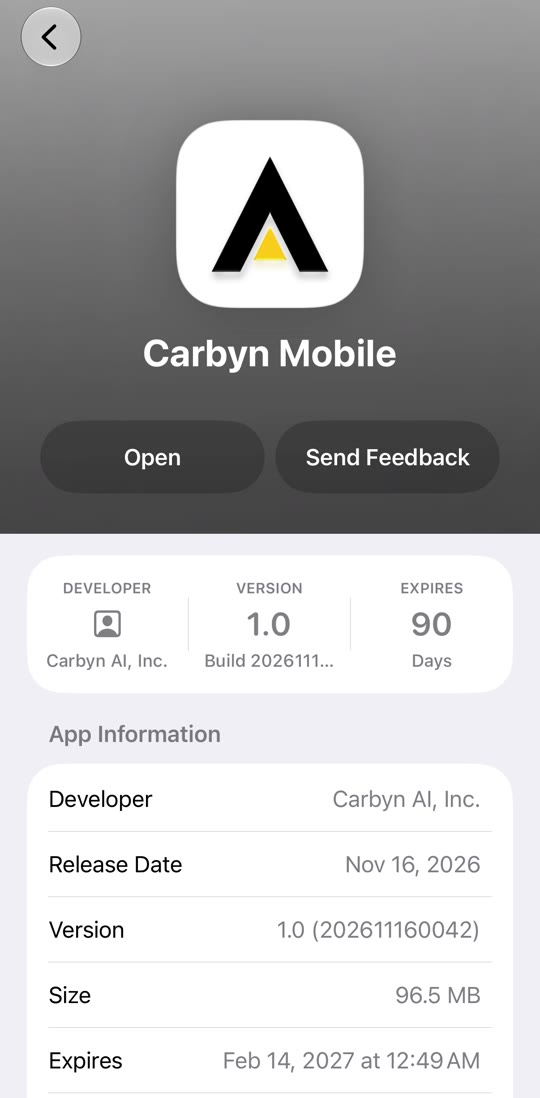
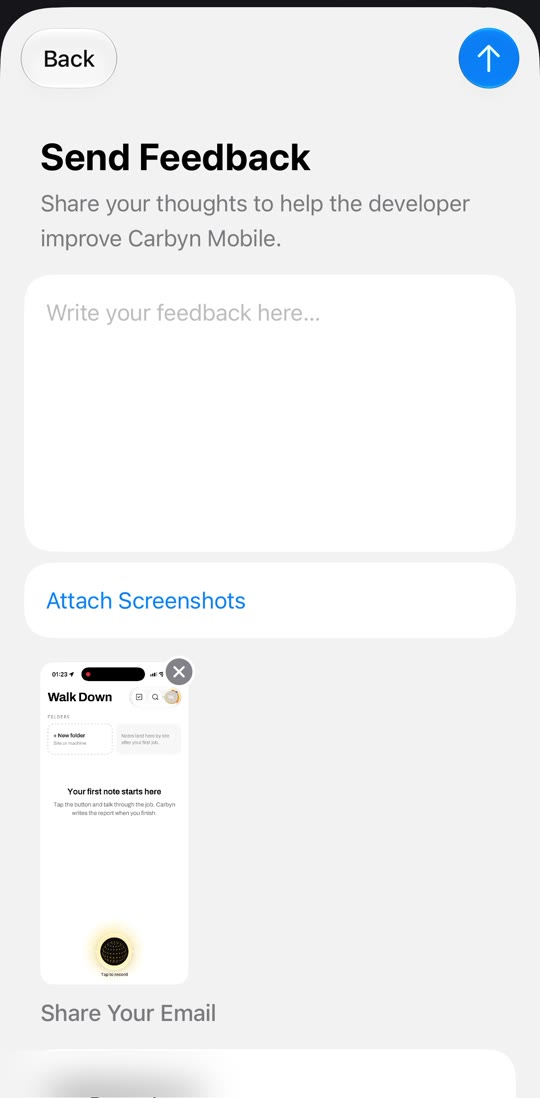
Tap Open. This is home: Walk Down.
On your Home Screen the app is called Carbyn.
Report a problem in 30 seconds#
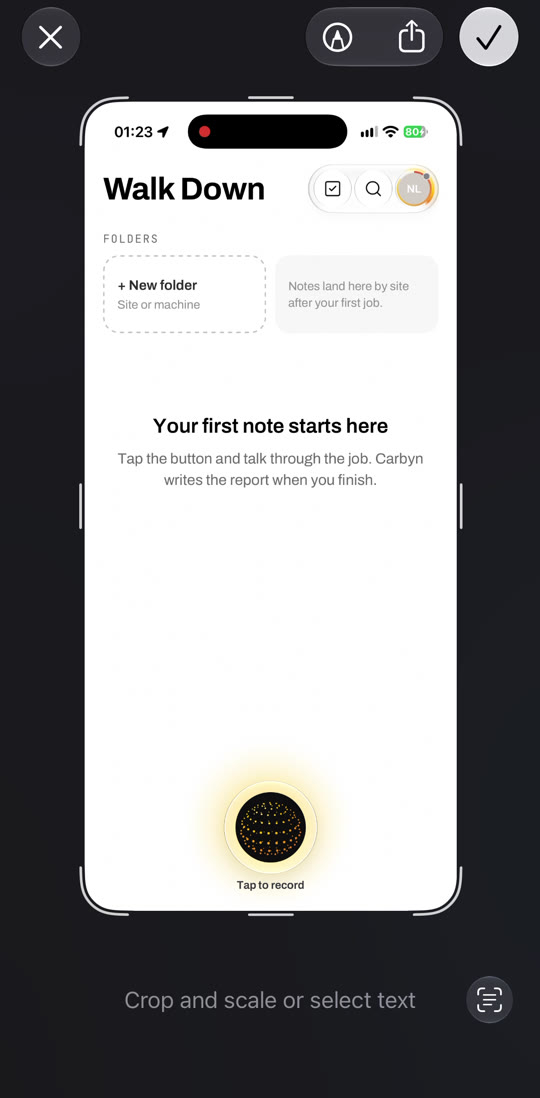
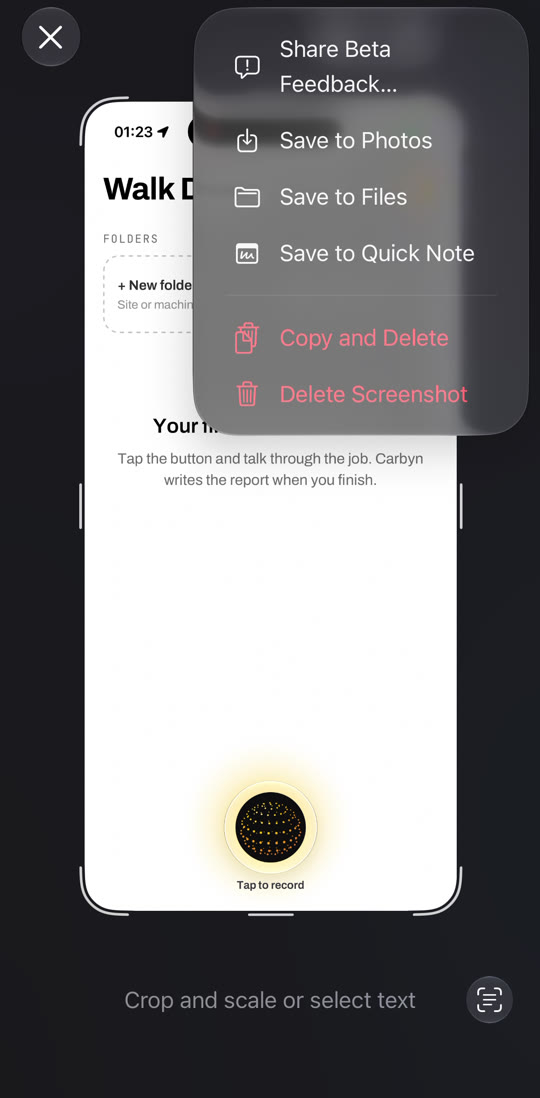
1 · Take a screenshot: side button + volume up.
Quick fixes#
- Carbyn Mobile will not install
- Update iOS to 16 or later: Settings › General › Software Update.
- No invite email
- Check spam for "TestFlight", or ask your admin for the beta link.
- Carbyn stops opening
- The build expired after 90 days. Open TestFlight and tap Update. Turn on Automatic Updates so it does not happen again.
- Carbyn crashed
- On the alert, tap Share, add a note, then Submit.
- You want to leave the beta
- TestFlight › Carbyn Mobile › Stop Testing.